Flutter
A Flutter package for integrating YourGPT chatbot widget into Flutter applications.
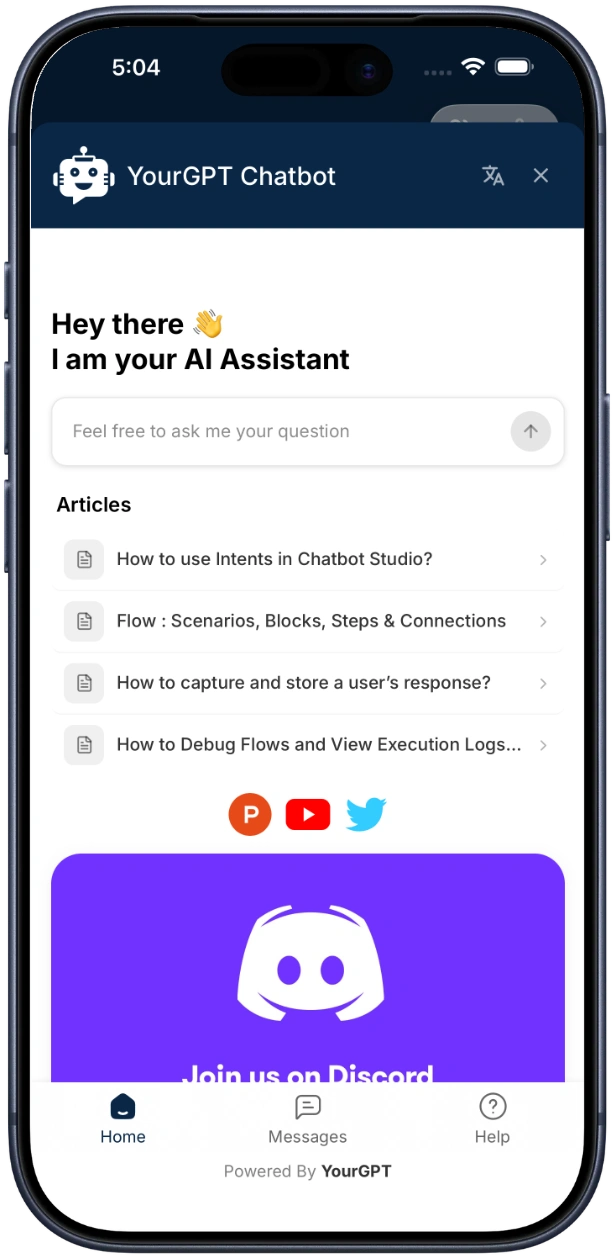
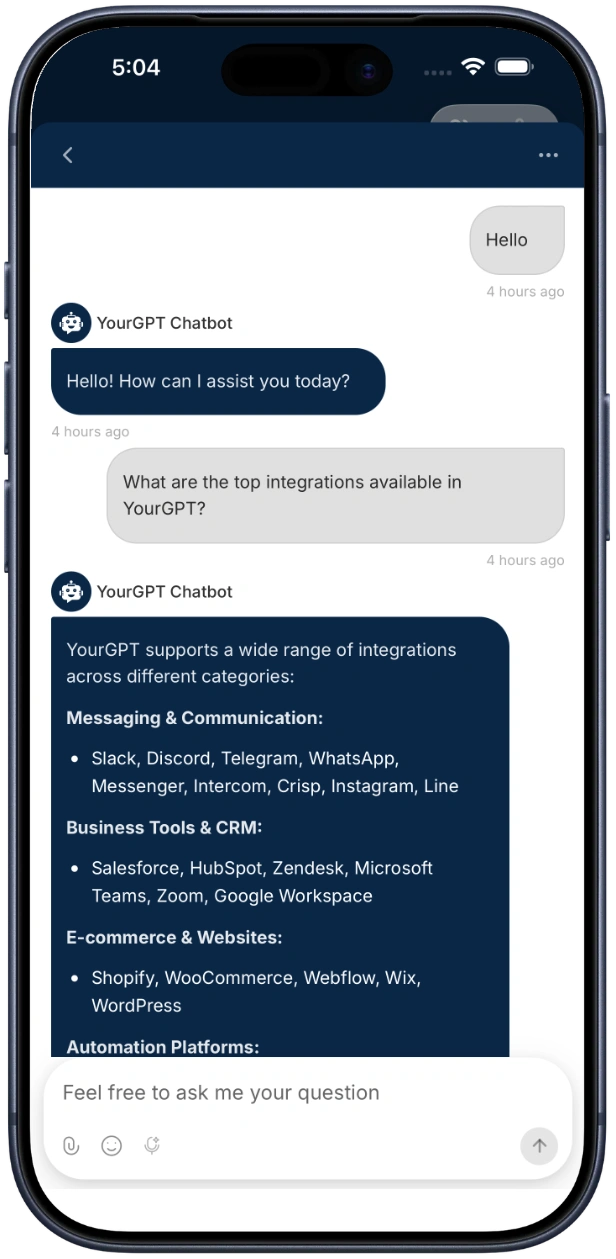
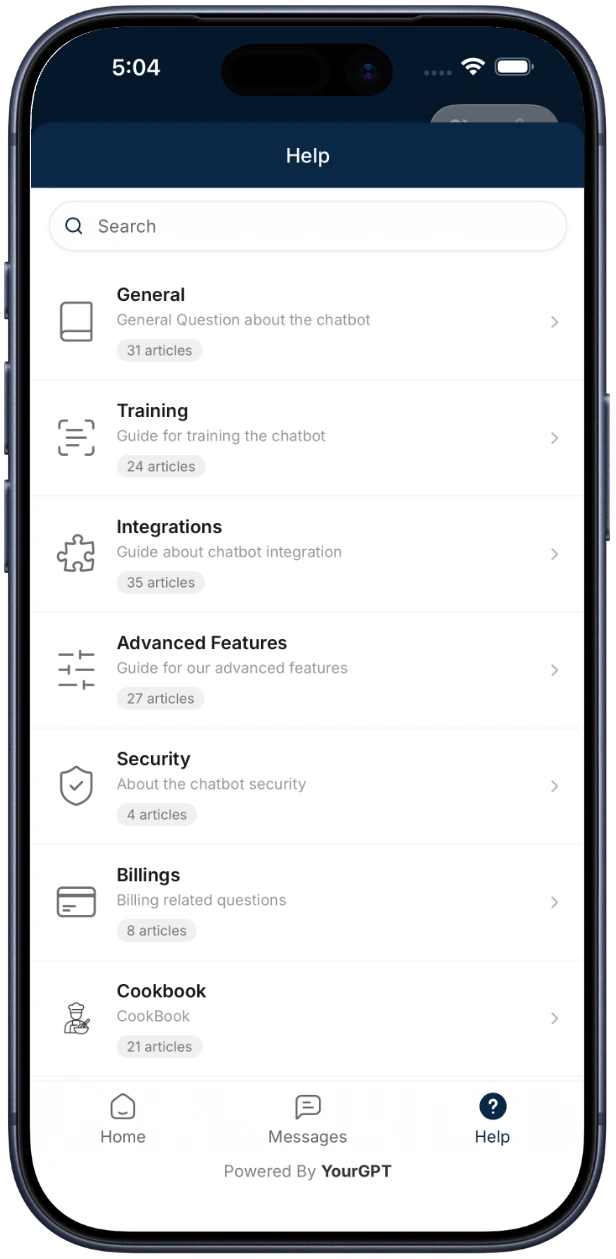
Quick Start
Installation
SDK Repository
View the full SDK source code and examples on GitHub:
yourgpt-widget-sdk-flutter
Add the dependency to your pubspec.yaml:
dependencies:
  yourgpt_flutter_sdk: ^1.1.0
  webview_flutter: ^4.4.2
Then run:
flutter pub getStep 1: Update Platform Configuration
Android — add internet permission to android/app/src/main/AndroidManifest.xml:
<uses-permission android:name="android.permission.INTERNET" />iOS — no additional permissions needed.
Step 2: Initialize and Open the Chat Widget
import 'package:flutter/material.dart';
import 'package:yourgpt_flutter_sdk/yourgpt_flutter_sdk.dart';

class MyHomePage extends StatelessWidget {
  @override
  Widget build(BuildContext context) {
    return Scaffold(
      body: Center(
        child: ElevatedButton(
          onPressed: () {
            YourGPTChatScreen.showAsBottomSheet(
              context: context,
              widgetUid: 'your-widget-uid',
            );
          },
          child: Text('Open Chat'),
        ),
      ),
    );
  }
}
That's it. The SDK handles the WebView, loading states, and lifecycle internally.
Quick Initialize (One-Liner)
For the simplest setup with notifications auto-enabled:
await YourGPTSDK.quickInitialize('your-widget-uid');This automatically initializes the SDK and sets up push notifications in minimalist mode.
Push notifications must be configured before using quickInitialize. See the Push Notifications guide to complete setup first. You must configure Push Notifications for both
iOS and android to receive notification smoothly in both platforms
Configuration
final config = YourGPTConfig(
  widgetUid: 'your-widget-uid',      // Required
  debug: true,                        // Optional: Enable debug logs (default: false)
  customParams: {'lang': 'en'},       // Optional: Additional widget URL query params
  enableNotifications: true,          // Optional: Enable push notifications (default: false)
  notificationMode: NotificationMode.minimalist, // Optional: .minimalist, .advanced, or .disabled
  autoRegisterToken: true,            // Optional: Auto-register FCM/APNs token (default: true)
);

await YourGPTSDK.instance.initialize(config);
Push Notifications
Enable push notifications with optional custom configuration:
final notifConfig = YourGPTNotificationConfig(
  soundEnabled: true,
  badgeEnabled: true,
  quietHoursEnabled: true,
  quietHoursStart: 22,
  quietHoursEnd: 8,
);

final config = YourGPTConfig(
  widgetUid: 'your-widget-uid',
  enableNotifications: true,
  notificationConfig: notifConfig,
);

await YourGPTSDK.instance.initialize(config);
Opening the Chatbot
Simple (uses config from initialize())
YourGPTSDK.show(context);With Explicit Widget UID
YourGPTChatScreen.showAsBottomSheet(
  context: context,
  widgetUid: 'your-widget-uid',
);
Open a Specific Conversation
YourGPTSDK.openSession(context, sessionUid: 'conversation-uid');Or with an explicit widget UID:
YourGPTChatScreen.openSession(
  context: context,
  widgetUid: 'your-widget-uid',
  sessionUid: 'conversation-uid',
);
Embedded Usage (Full-Screen)
Use YourGPTChatScreen directly when you want to embed the chatbot in your own navigation:
Navigator.push(
  context,
  MaterialPageRoute(
    builder: (_) => Scaffold(
      body: SafeArea(
        child: YourGPTChatScreen(
          widgetUid: 'your-widget-uid',
        ),
      ),
    ),
  ),
);
Event Handling
Global Event Listener
Implement YourGPTEventListener to receive SDK-wide events:
class MyEventListener extends YourGPTEventListener {

  // Required — widget lifecycle events
  @override
  void onMessageReceived(Map<String, dynamic> message) { }

  @override
  void onChatOpened() { }

  @override
  void onChatClosed() { }

  @override
  void onError(String error) { }

  @override
  void onLoadingStarted() { }

  @override
  void onLoadingFinished() { }

  // Optional — message events
  @override
  void onMessageSent(Map<String, dynamic> message) { }

  // Optional — connection events
  @override
  void onConnectionEstablished() { }

  @override
  void onConnectionLost({String? reason}) { }

  @override
  void onConnectionRestored() { }

  // Optional — interaction events
  @override
  void onUserTyping() { }

  @override
  void onUserStoppedTyping() { }

  // Optional — escalation events
  @override
  void onEscalationToHuman() { }

  @override
  void onEscalationResolved() { }

  // Optional — push notification events
  @override
  void onPushTokenReceived(String token) { }

  @override
  void onPushMessageReceived(Map<String, dynamic> data) { }

  @override
  void onNotificationClicked(Map<String, dynamic> data) { }

  @override
  void onNotificationPermissionGranted() { }

  @override
  void onNotificationPermissionDenied() { }
}
Register the listener:
YourGPTSDK.instance.setEventListener(MyEventListener());Per-Widget Callbacks
Pass an event listener directly to a specific chat screen instance:
YourGPTChatScreen.showAsBottomSheet(
  context: context,
  widgetUid: 'your-widget-uid',
  eventListener: MyEventListener(),
);
SDK State
Observe State Changes
YourGPTSDK.instance.stateStream.listen((state) {
  switch (state.connectionState) {
    case YourGPTConnectionState.connected:
      print('Ready');
    case YourGPTConnectionState.connecting:
      print('Connecting...');
    case YourGPTConnectionState.error:
      print('Error: ${state.error}');
    case YourGPTConnectionState.disconnected:
      print('Disconnected');
  }
});
Check Readiness
if (YourGPTSDK.instance.isReady) {
  // SDK is initialized, not loading, and has no errors
}
Error Handling
The SDK uses structured error types via the YourGPTError base class:
try {
  await YourGPTSDK.instance.initialize(config);
} on InvalidConfigurationError catch (e) {
  // Invalid or missing widget UID
} on NotInitializedError {
  // SDK not initialized — call initialize() first
} on NotReadyError {
  // SDK still loading or in error state
} on YourGPTError catch (e) {
  // Other SDK errors
}| Error Type | Description |
|---|---|
InvalidConfigurationError | Configuration is invalid or missing required fields |
NotInitializedError | SDK has not been initialized |
NotReadyError | SDK is not ready (still loading or in error state) |
InvalidURLError | Failed to build a valid widget URL |
WebViewLoadError | An error occurred in the WebView |
Requirements
- Flutter 3.13 or newer
- Dart 3.0 or newer
- Android: minSdk 21+, compileSdk 33+
- iOS: 12.0+
Resources
- GitHub Repository: yourgpt-widget-sdk-flutter